May 19th, 2025
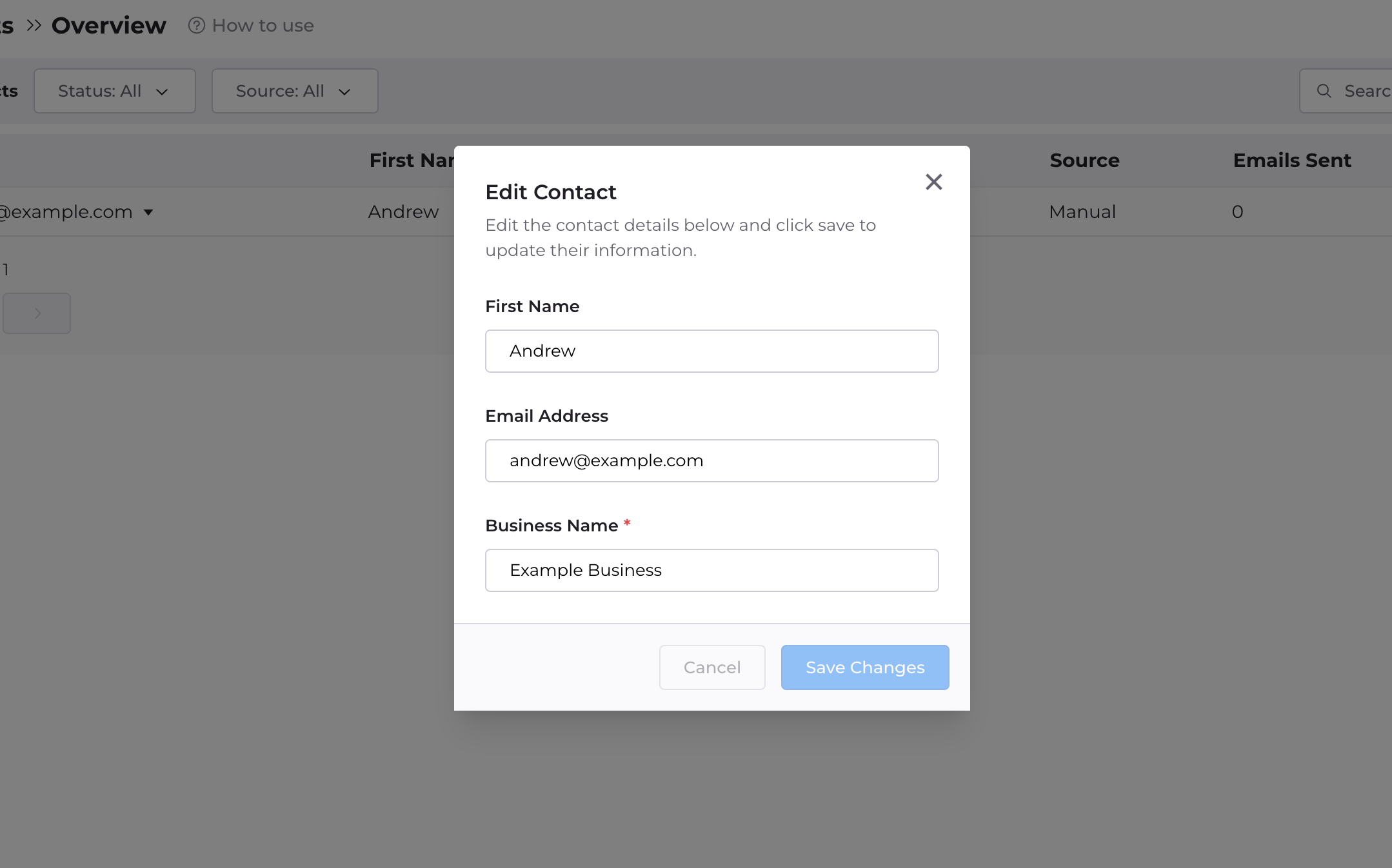
Description of bug: the Edit Contact Form previously did not allow for a contact’s personalization snippets to be edited.
Solution: now, the Edit Contact Form shows all enabled personalization snippets and allows the user to update these values at any time. As a reminder, you can create new personalization snippets in at https://app.reviewkite.com/requests/email-sequence
May 16th, 2025
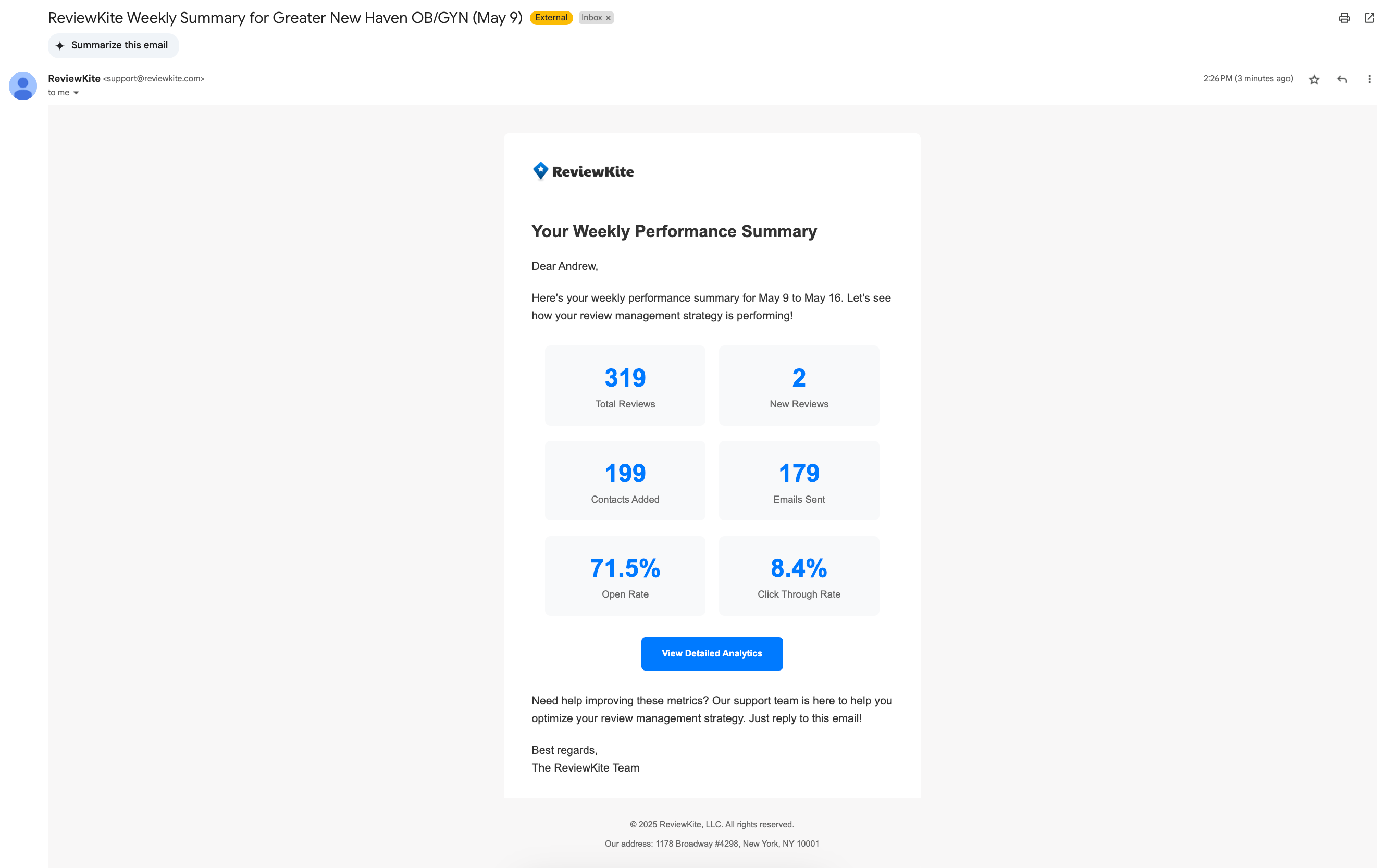
Description of Feature: Each week, all users assigned to a brand will receive a weekly summary of their campaign performance during the previous 7 day period.
The summary includes (1) total number of reviews across all connected review profiles (2) number of new reviews generated (3) number of contacts added (3) number of emails sent (4) email open rate (5) email click through rate.
May 15th, 2025
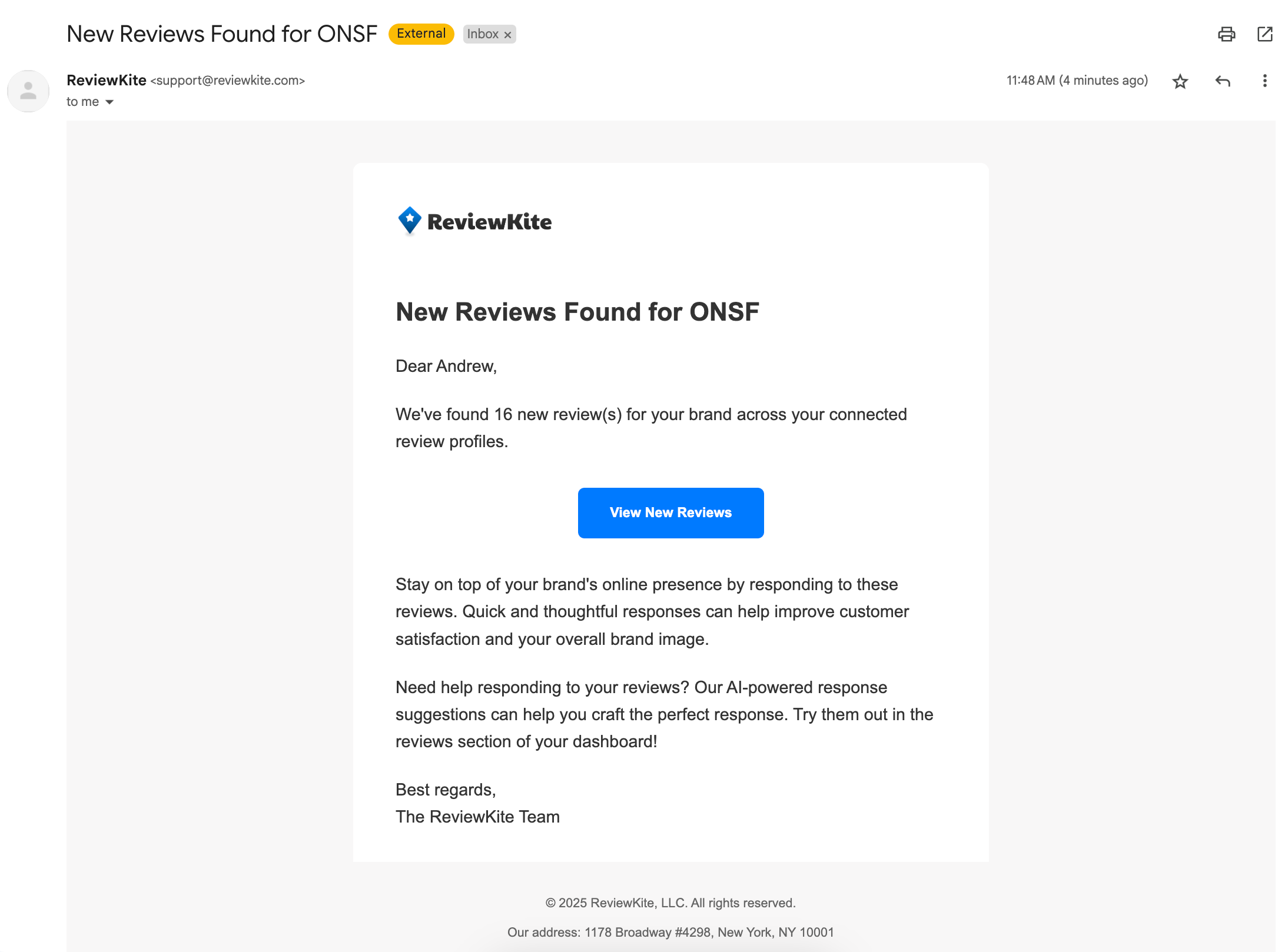
Description of Feature: Whenever a new review is fetched for one of your connected review sites, all users assigned to the brand will get an email notification to let them know. The email template contains the number of new reviews and a button that takes you directly to the Reviews section on the Dashboard.
May 15th, 2025
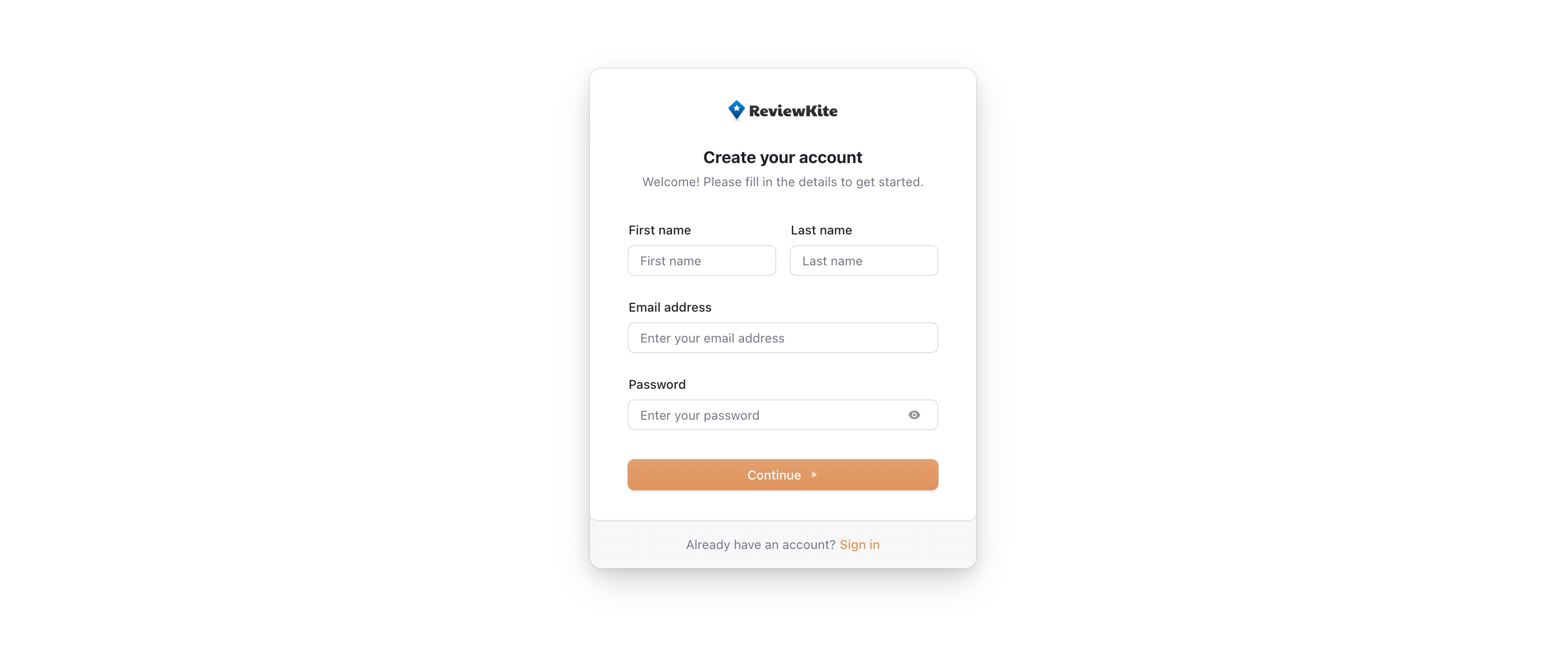
Description of issue: previously, users were asked to provide details for their Manager Account (e.g. Account Name, Website, Logo) before beginning their trial. This extra step adds to the amount of time it takes to get up and running and it is not essential for account setup.
Solution: remove the step entirely from the onboarding flow. Now, new users only need fill out the “Create your account” form and connect their payment method to Stripe in order to begin their 14 day free trial.
May 14th, 2025
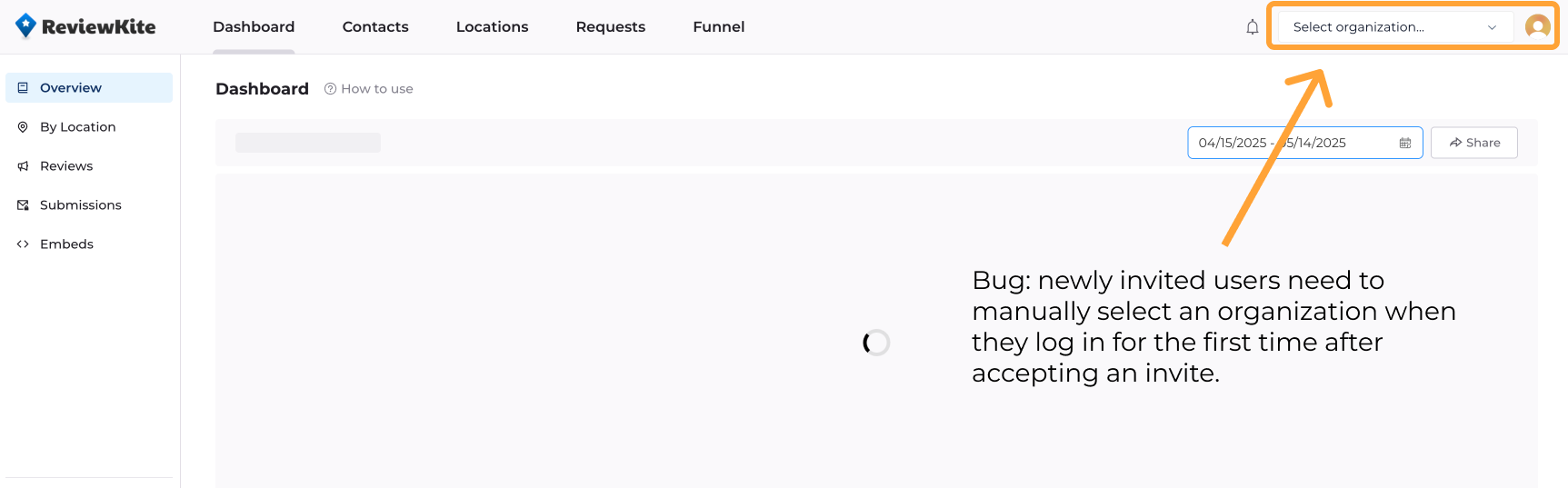
Description of bug: when a new user joins an agency via an invitation and logs in for the first time, they are stuck on the dashboard page without an active organization. This leads to the loading spinner showing indefinitely until the user manually selects an organization via the dropdown.
Solution: Now, when a user joins via an invitation and logs in for the first time, they will see a loading spinner for a brief moment after which they will be automatically loaded into an active organization.